
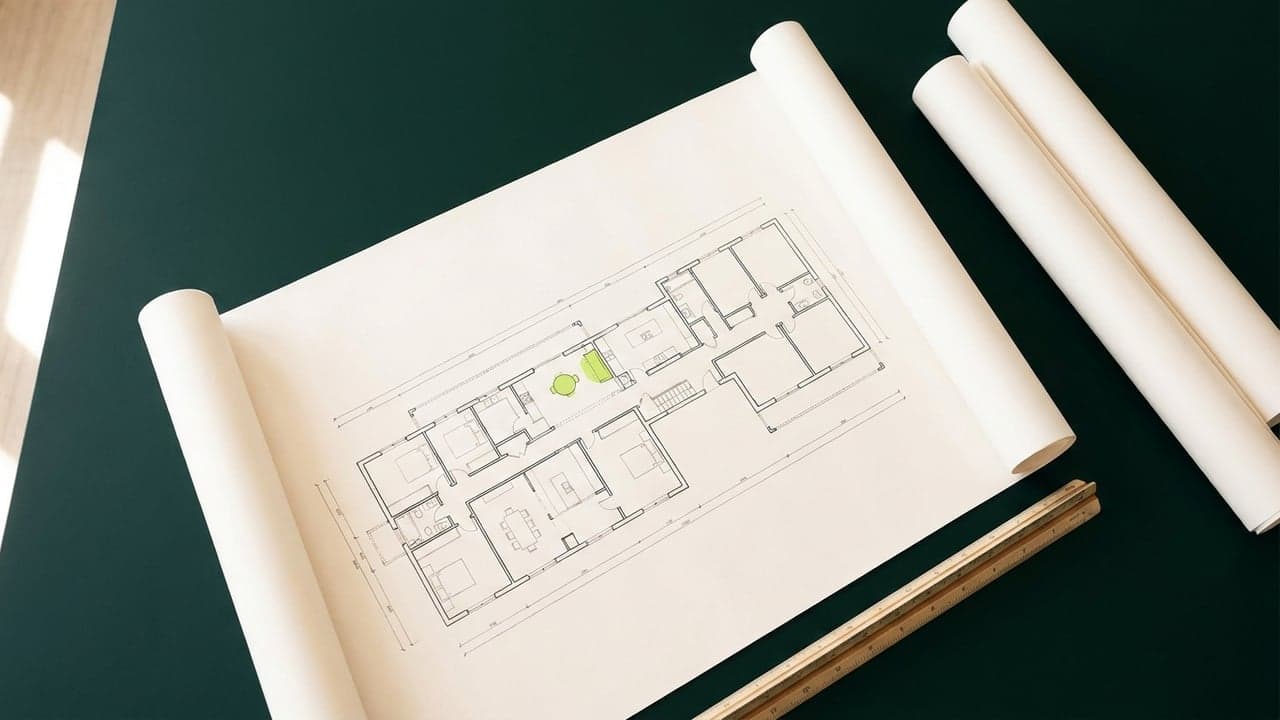
Why Revit Project Management Is a Business Tool
Revit is not just drafting software. For firm owners, how the model gets managed shapes deadlines, margin, and who is accountable when it slips.
Read article →Blog topic
BIM, CAD, AI, visualization, rendering, and digital tools for modern project delivery — how architecture and engineering teams adopt technology without losing control of their workflows.
59 articles · Browse all articles →
Revit is not just drafting software. For firm owners, how the model gets managed shapes deadlines, margin, and who is accountable when it slips.
Read article →
Will AI replace your drafter? Not the job, specific tasks. Here's what AI actually automates in CAD and BIM, and what still needs a human.
Read article →
AI tools can turn a floor plan into a 3D model in minutes, but they guess at what they cannot read. Here is what to specify before any conversion starts.
Read article →
Comment PROCESS on the carousel and this is the guide: six AI video prompts for one massing model, plus who keeps the base model clean between revisions.
Read article →
A practical signal for deciding when your firm's workload justifies a Revit license, and why staffing the seat is a separate decision from buying it.
Read article →
Four AutoCAD shortcuts for Fillet, Trim, and Join that close gaps and square off broken corners without redrawing a single line.
Read article →
One click in the Open dialog shows which Revit release saved a file, before a double-click from the folder triggers an upgrade you cannot undo.
Read article →
Adding AI tools before mapping how work actually moves through your firm feels productive, but it usually just moves the bottleneck instead of removing it.
Read article →
Change one Width value on a door Type and every door built from it updates everywhere in the model. The full workflow from the video, why it works, and how to keep names in sync.
Read article →
A full walkthrough of the Revit Section Box workflow, from duplicating your 3D view to isolating a few elements with the Selection Box shortcut.
Read article →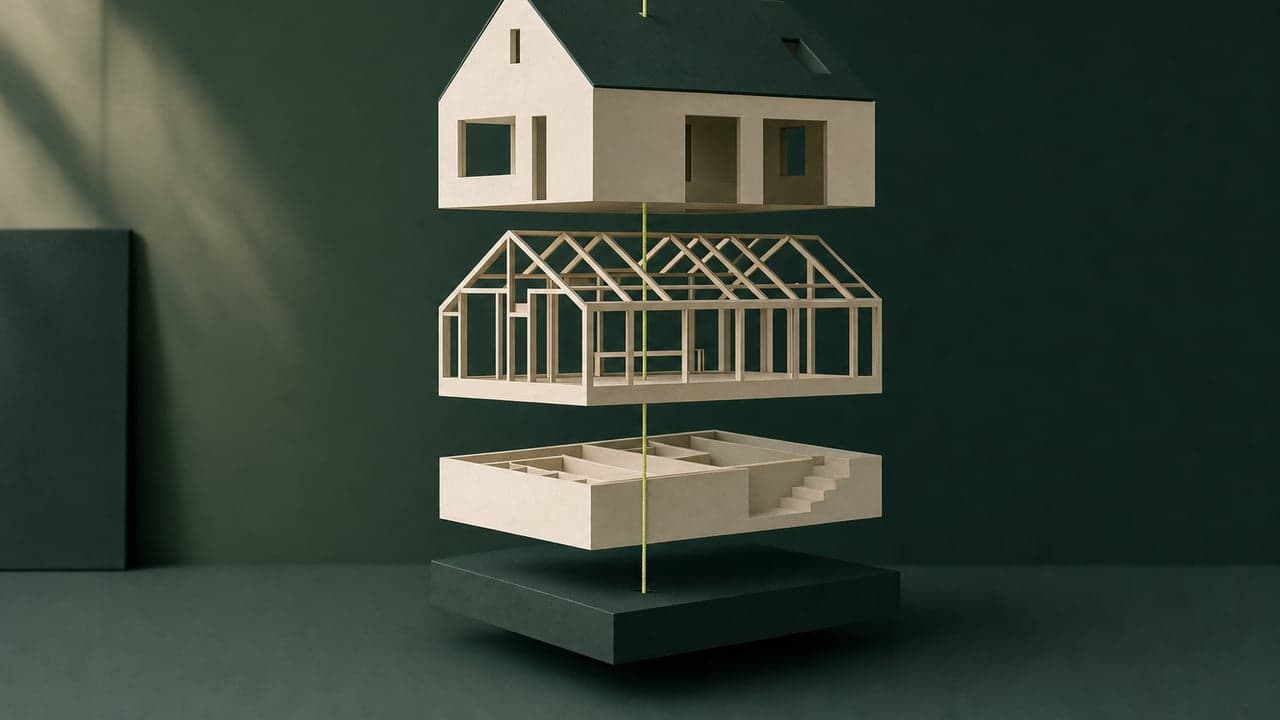
A wood slat ceiling from a reference photo is a pattern problem before it is a modeling problem. Here is how to pick the right method and build it so it stays consistent.
Read article →
Four habits, Reload Latest, sync and relinquish, compacting the central model, and a fresh local copy each day, that keep a shared Revit model from locking anyone out or drifting out of date.
Read article →
F8 toggles Ortho, F3 toggles Object Snap, F10 toggles Polar Tracking and F12 toggles Dynamic Input. This is the full list from the video, what each key does, and where two of them conflict.
Read article →
One schedule, one toggle, and Revit counts doors by type instead of listing every opening by hand. This is the full workflow from the video, step by step.
Read article →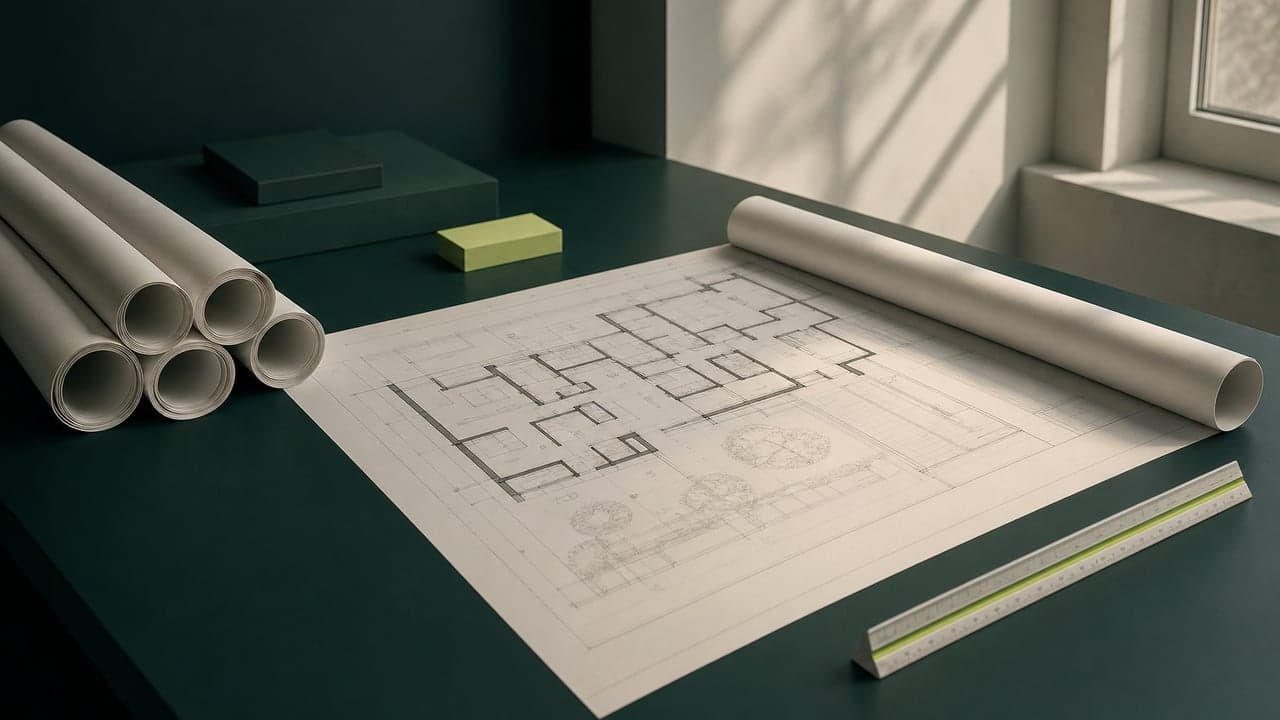
Comment BIM on the post and this is the guide you get: duplicate the view, displace the roof and every piece on each level, add paths, and the model underneath never changes.
Read article →
Model the existing building, demolish inside Revit instead of deleting, and let new work pick up its own phase. Duplicate one plan three times and get three drawings that never fall out of sync.
Read article →
A Revit crash should cost you minutes, not hours. Three native settings, changed once, keep a crash from ever erasing a day of modeling work.
Read article →
A practical walkthrough of how a Revit view template keeps every floor plan, section, and elevation consistent, built once and locked so nobody breaks it by accident.
Read article →
Comment SHORTCUTS and here's the cheat sheet: Control Points, Join, Hide and Show, the four Rhino shortcuts from the video, with their Mac equivalents.
Read article →
Dark faces in SketchUp are not a material bug, they are backwards normals. Here is the three step fix: find them, orient the group, then reverse the stragglers.
Read article →
Make Current, Match Layer, Isolate and Unisolate skip the Layer Properties list. This is the full list of the four AutoCAD layer commands from the video, what each does, and where to run it.
Read article →
A practical cheat sheet for clearing duplicated walls, dead layers and leftover blocks from a legacy AutoCAD file before your team builds on it.
Read article →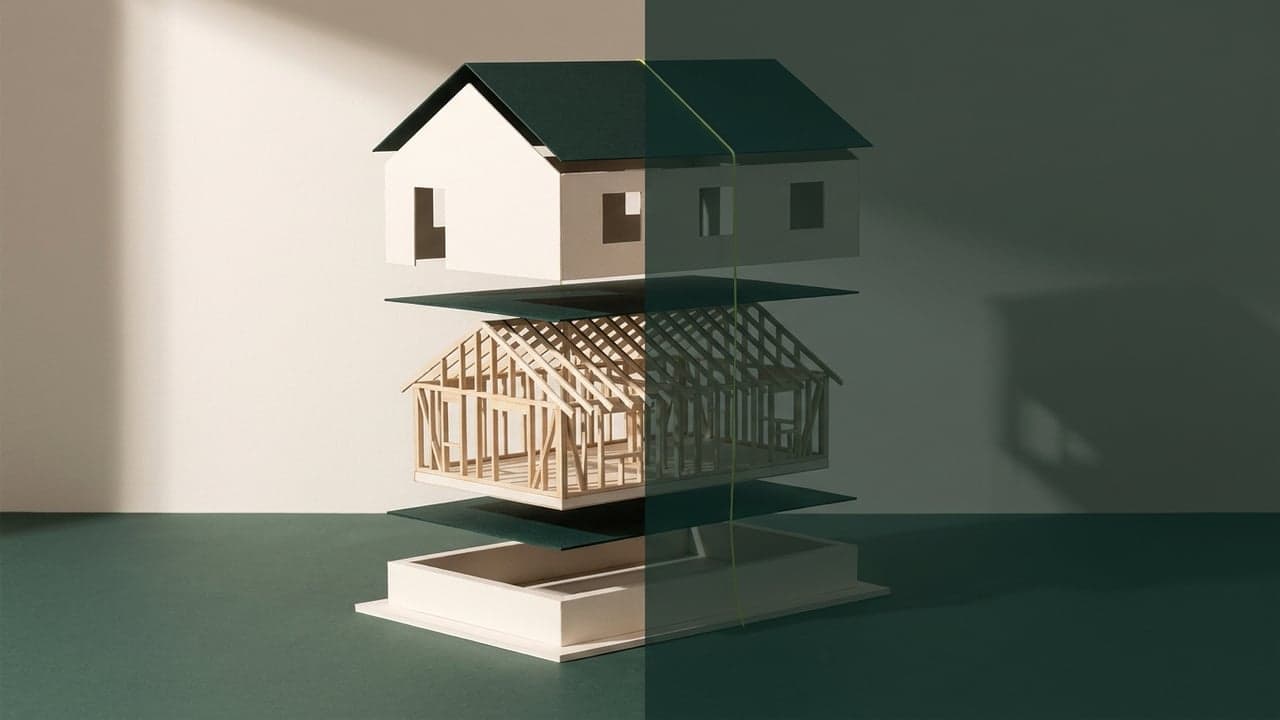
Stop clicking the same button twice. Array, Match Type Properties, Pin and Unpin do it in one move. This is the full list of the four Revit shortcuts from the video, with what each key does and where it lives in Revit.
Read article →
Same model, four looks. Wireframe, Hidden Line, Shaded with Edges and Tile Views change how you see it, not what it is. This is the full list of the four Revit shortcuts from the video.
Read article →
A code compliant Revit template is not a software feature. It is a title block, a code data block and a set of schedules built to flag the fields a reviewer checks first.
Read article →
Stop dragging walls into place. Align, Trim/Extend to Corner, Offset and Split Element do it exactly. This is the full list from the video, with what each key does and where it lives in Revit.
Read article →
Push/Pull, Offset, Move and Back Edges: the four SketchUp shortcuts from the video, what each key does, and why they beat dragging with a mouse.
Read article →
Want AI to recommend your architecture studio? Here are 5 steps to get ChatGPT, Gemini, and Perplexity to name your practice first.
Read article →
The Join Roof tool fails more often than the help pages admit. Here is the command sequence, the two backup tools, and why roofs refuse to merge in the first place.
Read article →
AI-Boosted architects ship faster with AI, they don’t just know it exists. The difference from AI-aware, where it speeds work, and how to vet for it in 2026.
Read article →
A BIM model carries material, size and cost data that a CAD drawing never will. Here is the component by component breakdown, and why it changes who a firm hires next.
Read article →
Adopting Revit is less about the software and more about whether your firm has the drafting capacity to absorb the switch without slowing active projects.
Read article →
Revit vs ArchiCAD for hiring a remote drafter, what to test before you hire, which your U.S. consultants expect, and how to match the tool to your firm.
Read article →
Waiting for the perfect AI system feels safe, but waiting is a decision too, and it has a cost for architecture firms.
Read article →
No single AI system fits every firm. Before you choose one, run the same diagnostic process WorldTeams uses before any placement: size, work type, and time zone first.
Read article →
The real gap is not software skill. It is who in your firm has the authority to lead an AI transition, and no studio curriculum prepares anyone for that handoff.
Read article →
Point cloud to BIM (scan-to-BIM) explained, how a laser scan becomes an accurate as-built Revit model, the LOD choices, and when firms use it in 2026.
Read article →
Six copy paste AI prompts that turn one finished architecture render into a full marketing set: aerial, close up, human scale, golden hour, and autumn.
Read article →
Five copy paste AI prompts that turn technical drawings into a presentation, a decision list, and honest answers to every objection your client raises.
Read article →
A duct that moves or a panel that grows can turn into a clash nobody catches until framing is up. Here is a process that catches it earlier instead.
Read article →
Think 3D renders are out of reach? Discover how outsourcing makes high-quality visualizations, boosting projects without breaking the bank.
Read article →
Discover how CAD to BIM conversion revolutionizes architectural projects, boosting efficiency, cutting costs, and enhancing collaboration.
Read article →
Discover how architectural CGI are changing building design. Explore its benefits and outsourcing solutions with WorldTeams.
Read article →
Find top-tier 3D models resources for architects and designers. Check out the best platforms offering assets for rendering and visualization.
Read article →
Learn how digital twins enhance construction efficiency, minimize errors, and lower costs through real-time data and predictive modeling.
Read article →
Discover how robotics in construction is transforming automated building processes with AI, 3D printing, drones, and modular construction.
Read article →
Explore the top trends reshaping the AEC industry right now, from sustainability and BIM to digital transformation and advanced technologies.
Read article →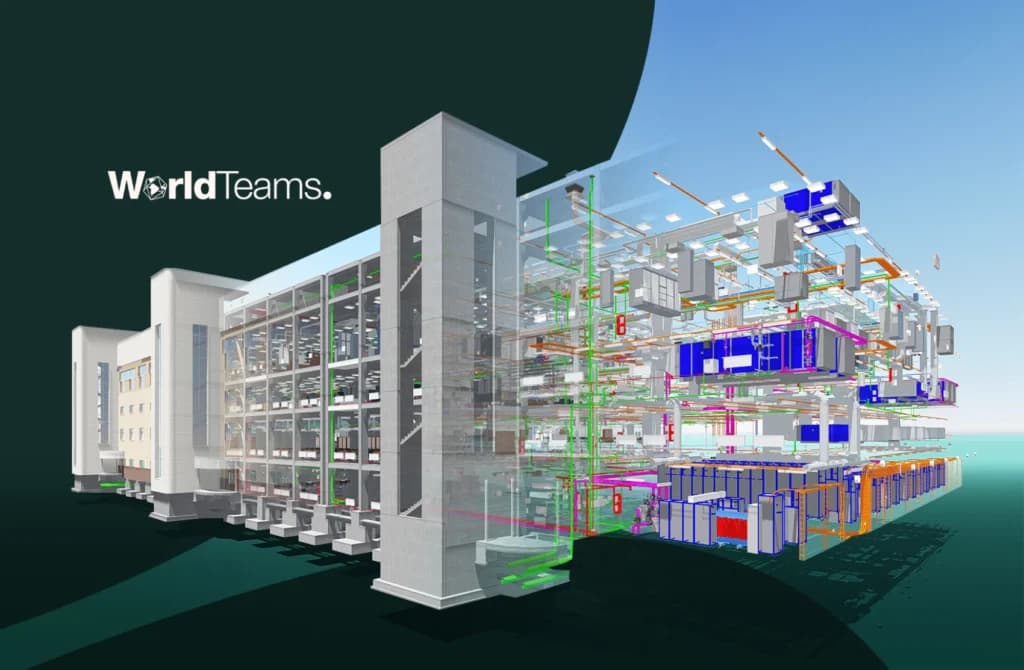
Uncover the power of 4D BIM to improve project scheduling, risk management, and overall construction efficiency.
Read article →
Learn how to smoothly transition from CAD to Revit and adopt a BIM workflow with our step-by-step guide for architects.
Read article →
Explore how architecture and video games creates immersive virtual worlds, from futuristic landscapes to detailed virtual cities.
Read article →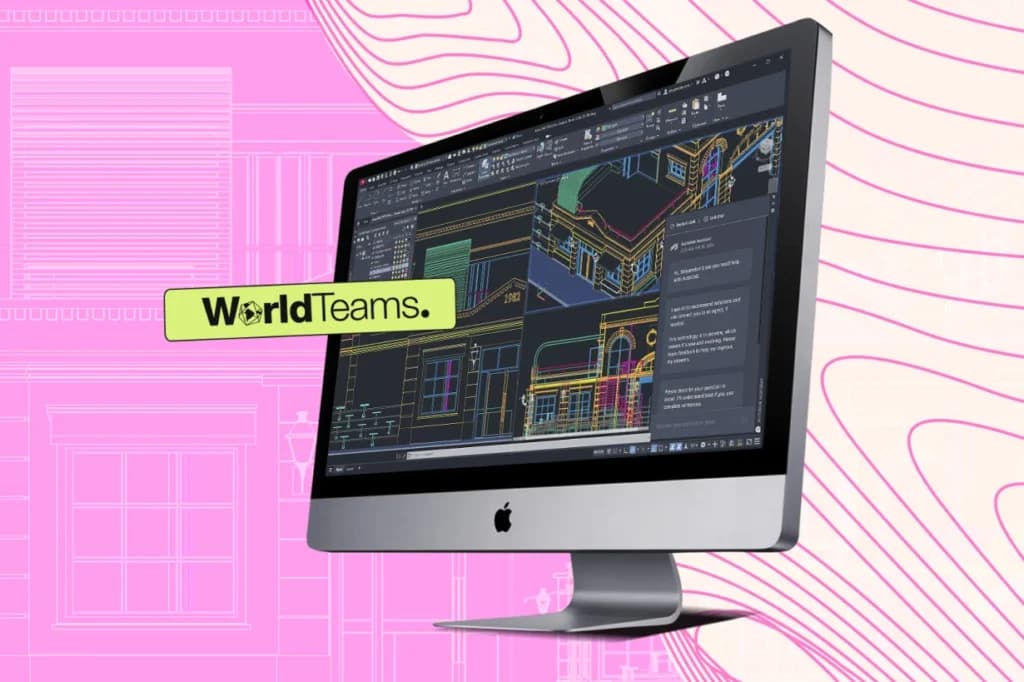
AutoCAD 2025 has powerful features and updates designed to make drafting workflows smoother, faster, and more intuitive.
Read article →
Discover how parametric design enhances creativity and efficiency in architecture. Learn how this approach is transforming practices.
Read article →
Discover what is Vectorworks. Learn about its powerful features and how it enhances creativity and efficiency in your projects.
Read article →
Discover what BIM is and why it's revolutionizing the construction industry. Learn how enhances efficiency and collaboration.
Read article →
Discover how AI for Architecture is revolutionizing design processes and innovative tools that are shaping the future of building design.
Read article →
Discover how 3D rendering services can enhance client presentations. Learn how to bring your designs to life and impress your clients.
Read article →
Visualizing architecture can enhance your design process. Learn essential skills and techniques to bring your architectural visions to life.
Read article →
Architecture requires professionalism, high-end outsourcing drafting and rendering services can help you achieve just that.
Read article →
Technology is having a tremendous impact on our industry. Embarking on a journey into AI in Architecture Design.
Read article →The professionals who do this work every day, placed in your team and your timezone.