How to Model a Wood Slat Ceiling in Revit
Share this article


Key takeaways
- A wood slat ceiling is a pattern problem before it is a modeling problem: the method depends on whether the room is a clean rectangle or an irregular shape.
- Revit has no dedicated wood slat ceiling tool. The pattern comes from an array along a line, a railing system repurposed for a repeating profile, or an adaptive component family.
- A parametric slat family with width, depth and gap as instance parameters lets one model answer both a design review and a buildable set, instead of needing two models.
- Getting this from a reference photo to a usable Revit model is the kind of recurring production technique that is worth staffing on purpose once it shows up on more than one project.
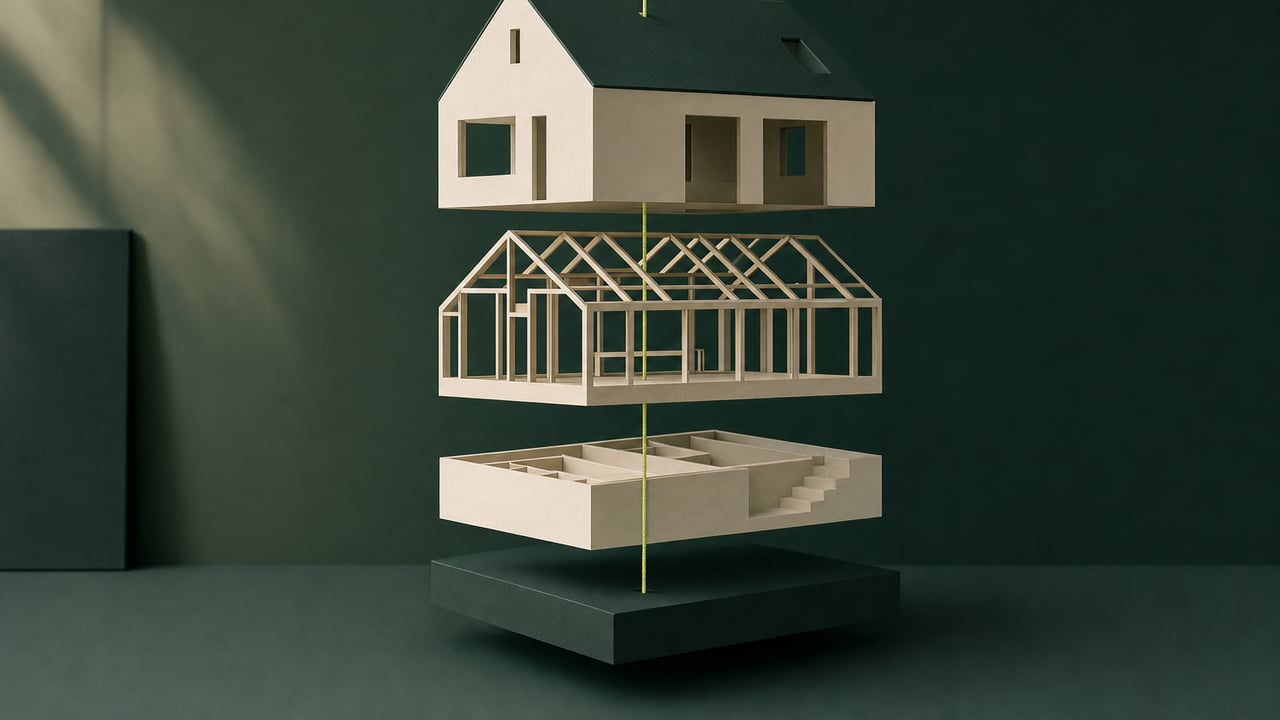
A wood slat ceiling from a reference photo is a pattern problem before it is a modeling problem. Here is how to pick the right method and build it so it stays consistent.
A wood slat ceiling is a pattern problem before it is a modeling problem
The hard part of modeling a wood slat ceiling from a reference photo is almost never the slat itself. A single slat is a simple extrusion: a width, a depth, a length. The hard part is deciding how that one slat repeats across the room. That decision determines whether the ceiling holds up when the room is not a perfect rectangle, when a skylight interrupts the run, or when the design changes after the pattern is already built. Autodesk Revit does not ship a dedicated wood slat ceiling tool. The pattern comes from one of three places: an array along a line, a railing system repurposed to repeat a profile, or an adaptive component family. Picking the wrong one turns a one hour modeling task into an afternoon of rework.
Array along a line: the right call for a straight, rectangular run
For a straight ceiling run in a rectangular room, an array is the fastest, most predictable method. Build one slat as a simple family: a rectangular extrusion with width, depth and length as parameters. Place it at one end of the run and select it. Activate Array, then choose a fixed spacing or a fixed number of copies along the total run length. Revit repeats the slat at an exact, consistent spacing in a single operation. The gap between slats stays identical across the whole ceiling, instead of drifting wider toward one end the way a hand placed, copy pasted pattern tends to. If the room width changes later, the array adjusts to the new length without rebuilding every slat individually. A demo of building a custom slat or baffle family this way is worth watching directly: creating custom ceiling baffles in Revit.
Railing system: the right call for a curved or angled edge
An array assumes a straight line. A railing system does not, which is why it is the better tool once the slat pattern needs to follow a curved wall or an angled bulkhead. Revit's railing tool already knows how to host a repeating profile along a path. It keeps that repeat consistent as the path curves or changes length, because that is exactly what a railing baluster pattern is designed to do. Swap the baluster family for a wood slat profile, then host the railing on a sketch of the actual ceiling edge. That gets a slat pattern that updates automatically if the room boundary moves, which a straight array cannot do on its own. This is also the more resilient choice for any ceiling plan likely to see late design changes, since the pattern recalculates instead of needing to be rebuilt.
Adaptive components: the right call for an irregular, one off ceiling
When no two slat runs in the room are the same length or orientation, neither an array nor a railing path is a clean fit. An adaptive component family is the remaining option. An adaptive component places points that can be individually positioned, and it still carries its own geometry and parameters. That makes it suited to a ceiling where each run genuinely needs its own length and angle, rather than one repeated rule. It is the slowest of the three methods to set up, so it should be the last choice. Reserve it for ceiling plans where the geometry itself is irregular, not for ceilings that only look irregular because the room was never properly measured.
Build the slat as a parametric family, not a fixed shape
Whichever repeat method fits the room, the slat itself should be a parametric family. Expose width, depth and gap as instance parameters, instead of baking dimensions into a one off extrusion. A parametric family means a single model can answer two different needs: a design review pass where the slat width is adjusted to match a reference photo, and a buildable set where the same parameters get locked to the dimensions a contractor will actually install. Building the fixed version first and the adjustable version later usually means building the family twice. A broader look at why a parametric, data rich model behaves differently from a fixed drawing is covered in the shift from CAD drafting to a Revit BIM workflow.
When to use a packaged ceiling system instead of building one from scratch
Not every wood slat ceiling needs a custom family. If the design specifies an actual manufactured product rather than a custom look, a packaged Revit family for that product is usually faster than rebuilding its geometry from scratch. The WoodTrac ceiling system is one example: a downloadable family built for a specific suspended wood ceiling product that installs over a standard suspended grid, available directly from the WoodTrac Ceiling System page on BIMobject. A custom family built in house is still the right call whenever the design calls for a width, depth or gap that does not match an off the shelf product. That covers most custom projects. For the keyboard shortcuts behind the array and railing commands used throughout this method, see the full Revit shortcut sheet.
This kind of modeling technique is worth staffing on purpose once it repeats
A wood slat ceiling built once from a reference photo is a technique question. The same question showing up on every third project is a staffing question. Firms running production BIM work at volume tend to find that this kind of repeatable family and pattern building work gets expensive once a senior architect absorbs it between design decisions. It gets straightforward once a dedicated Revit professional owns it as part of their regular production load. WorldTeams places pre-vetted Revit professionals, from the top 3% of applicants, in the same time zone as the client's team, in less than 72 hours, with a dedicated account manager and no hidden fees. If this kind of technique keeps landing on the wrong person's desk, see who staffs the Revit to render handoff at your firm for how that same staffing question plays out on the step right after this one. See do you need a dedicated Revit hire or more overflow help for how to tell a one off modeling task from a recurring one worth staffing directly, and what nearshore Revit drafting support actually covers for what a placed professional owns once that staffing decision is made.
- Revit workflow
- BIM staffing
- Revit families
Frequently asked questions
Answers to the questions readers ask most about Modeling a wood slat ceiling in Revit.
What is the fastest way to model a repeating wood slat ceiling in Revit without placing every slat by hand?
Build one slat as a family, then repeat it with an array instead of copying and pasting by eye. Select the first slat, activate Array, set it to a fixed number or a fixed spacing, and give it the total run length. Revit places every remaining slat at the exact spacing in one step, so a gap between slats stays the same across the whole ceiling instead of drifting slightly wider toward one end, which is the usual sign a ceiling was placed by hand. See a worked demo of building a custom ceiling baffle family in this walkthrough on creating custom ceiling baffles in Revit.
Should a wood slat ceiling be modeled as a ceiling finish, a railing system, or individual family instances?
It depends on whether the slats run in a straight repeating line or need to follow a curved or angled edge. A straight run is usually fastest as an array of a simple slat family, placed as described above. A slat pattern that needs to follow a curved wall or a sloped edge is often easier to build as a railing system, because a railing already knows how to repeat a profile along a host path and adjust automatically if that path changes. Individual family instances only make sense for a small, irregular ceiling where no two slat runs are the same length. A broader survey of ceiling modeling approaches, including slatted ceilings, is covered in 6 types of ceilings modeled in Revit.
How do you keep slat spacing consistent when the ceiling plan is not a perfect rectangle?
Anchor the array or the railing path to the actual room boundary, not to a guessed straight line. Let the spacing recalculate off the real edge length instead. For a railing based approach, host the railing on the real ceiling perimeter sketch, covered in the railing method above, so the repeat count adjusts if that boundary changes. For an array, measure the true run length along the irregular edge first, then divide by the target gap to confirm whole slats fit without a partial sliver at one end.
Is there a packaged Revit ceiling system for wood slats instead of building one from scratch?
Yes, for firms specifying a manufactured product rather than a custom design. The WoodTrac ceiling system ships as a downloadable Revit family built for a specific suspended wood ceiling product, which installs over a standard suspended ceiling grid. See the WoodTrac Ceiling System family on BIMobject. A custom slat family built in house is still the right call whenever the design calls for a specific width, depth or gap that does not match an off the shelf product.
What is the difference between modeling a wood slat ceiling for design intent versus for fabrication?
A design intent model only needs to look right for a render or a client presentation, so the slat family can be a simple extruded profile with no real structural attachment detail. A fabrication ready model needs the actual blocking, clip spacing and attachment method a contractor will build from, tied to the parametric family approach covered in building the slat as a parametric family above, not just a visual approximation. Confusing the two is how a ceiling that rendered perfectly turns into a change order once it reaches the field.
Who typically ends up building a custom family like this at a busy firm, and is that the right use of their time?
In most firms it lands on whoever is fastest with family editing and happens to have a free afternoon, often a project architect pulled off design work. That is an expensive use of their time for a task that is really a repeatable production technique once a firm has used it on more than one project. We cover how that same pattern shows up on the modeling to render handoff in who staffs the Revit to render handoff at your firm.