5 AI Prompts to Turn Drawings Into a Client Presentation
Share this article


Key takeaways
- Each of the five prompts does one specific job: one idea per board, plain language, the decision list, the objections, or the one line pitch.
- You paste your own drawing notes, meeting transcript or project brief into any AI writing tool right alongside each prompt, exactly as written.
- The objections prompt forces five honest answers onto the page before the client asks the question out loud in the room.
- The one line prompt is the fastest test of whether a project can be explained to someone who only has ten seconds to listen.
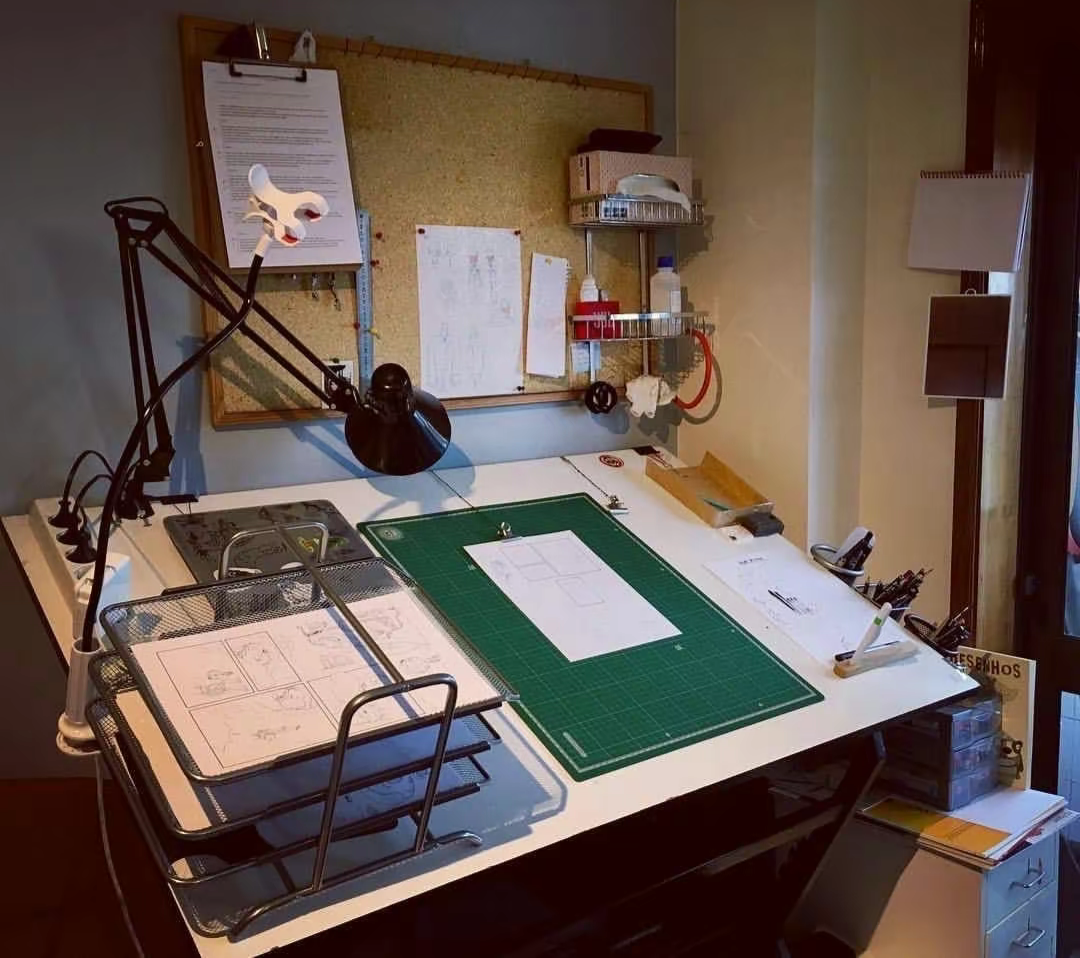
Five copy paste AI prompts that turn technical drawings into a presentation, a decision list, and honest answers to every objection your client raises.
A client does not read drawings the way an architect reads drawings. Handing over a stack of technical sheets and hoping the story is obvious is how good projects lose client confidence before construction even starts. This guide hands over five exact AI prompts that a WorldTeams team uses to turn a set of drawings into a presentation, a decision list, and a set of honest answers a client can actually sit through.
Each prompt below is written out in full. Paste your own drawing notes, specification text or meeting transcript into any AI writing tool alongside the prompt, exactly as written, and review the output before it reaches a client.
One Idea Per Board: The First Prompt For A Presentation That Breathes
A presentation fails when every board tries to say three things at once. The fix is one idea per board: a single idea, the drawing that proves it, and one line of text underneath. A client looking at a crowded board has to decide what matters on their own, and most will guess wrong or disengage.
Prompt 1:
Rewrite this presentation so each board carries a single idea, with the drawing that proves it and one line of text.
Feed this prompt your current board list or slide outline. The output should split any board carrying more than one idea into separate boards, each with its own supporting drawing and a single line of text that a client can read in a few seconds.
Plain Language: The Second Prompt For Clients Who Do Not Read Drawings
Technical notes are written for the people who build the project, not the people who pay for it. A client who does not read drawings needs every fact the notes contain, without the hedges, disclaimers and promises that read as legal cover instead of information.
Prompt 2:
Rewrite these technical notes for a client who does not read drawings, keeping every fact intact and every promise out.
Paste the actual specification or drawing notes for this prompt. The output should keep every material fact: dimensions, materials, code references and constraints, while removing language that reads as a commitment the team is not ready to make.
The Decision: The Third Prompt That Orders What A Client Must Approve
Every project reaches a point where the client has to choose: a material, a layout, a budget line, a schedule. Listing these decisions in the order they actually block the work, with what happens if each one waits, turns a vague approvals conversation into a short, ordered list a client can act on in one meeting.
Prompt 3:
List the decisions this client has to make, in the order they block the work, with what happens if each one waits.
Feed this prompt your project schedule, scope notes or the transcript of a coordination meeting. The output should be an ordered list: the decision, why it blocks downstream work, and the consequence of leaving it open.
The Objections: The Fourth Prompt That Answers Doubts Before They Are Asked
Every design invites questions the client has not asked yet. Writing the five most likely objections and the honest answer to each, before the meeting, means the team walks in prepared instead of improvising in front of the client.
Prompt 4:
Give me the five questions this client is most likely to ask about this design, and the honest answer to each.
Give this prompt the project brief, the design rationale and any known client concerns. The output should read as five real questions with five honest answers, not five softball questions with reassuring but empty replies.
The One Line: The Fifth Prompt That Explains The Project In Ten Seconds
If a project cannot be explained in one sentence to someone who only has ten seconds, the presentation has not found its own point yet. This prompt forces that sentence out before the boards are finalized, so every board and every decision can be checked against it.
Prompt 5:
Write the single sentence that explains this project to someone who sees it for ten seconds.
Feed this prompt the project brief and the boards from Prompt 1. If the sentence it returns does not match what the boards actually show, that is a sign to revise the boards, not the sentence.
How To Use These Five Prompts Together Before A Client Meeting
Run the five prompts in order. Start with the one line pitch so the team agrees on what the project is actually about, then build the one idea per board structure around that sentence, translate the supporting technical notes into plain language, order the decisions the client has to make, and close with the five objections and their honest answers. The result is a presentation, a decision list and an objections page built from the same source material, ready before the client sits down.
WorldTeams embeds architects, engineers and BIM technicians directly inside architecture, engineering and construction firms, and prompts like these are part of how those teams prepare for client meetings every week. For more on how AI is already changing day to day architecture workflows beyond presentations, read AI for architecture: revolutionizing design processes. For a look at preparing client presentations with physical models instead of AI prompts, read architectural model making: enhancing client presentations.
These five prompts originate from a WorldTeams Instagram carousel written for AEC teams. Learn more about how WorldTeams embeds architects, engineers and BIM staff with AEC firms.
- prompts
- ai-architecture
- client-presentations
Frequently asked questions
Answers to the questions readers ask most about AI prompts for architect client presentations.
What are the five AI prompts for architect client presentations?
They are five separate prompts, one for turning boards into single ideas, one for plain language, one for the decision list, one for the five likely objections, and one for the single sentence pitch. Each prompt is written out in full in this guide so you can copy it directly.
Can I use these prompts with any AI writing tool?
Yes. The wording does not depend on a specific product. Paste your drawing notes, specification text or meeting transcript into a general purpose AI writing tool, add the prompt exactly as written, and review the output before it goes anywhere near a client.
Do these prompts replace the architect's judgment?
No. They compress the time it takes to prepare a presentation, a decision list or an objections page. The architect still checks every fact, every number and every promise before the material reaches a client.
Why does one idea per board matter for a client presentation?
A board that tries to carry three ideas usually communicates none of them clearly. One idea, one supporting drawing and one line of text gives a client a single thing to understand and react to before the next board arrives.
How do I turn a decision list into an actual client sign off?
Order the decisions by how soon they block the work, not by how interesting they are. Attach what happens if each decision waits. A client who sees the cost of delay next to each choice signs off faster than a client reading a long unordered list.